
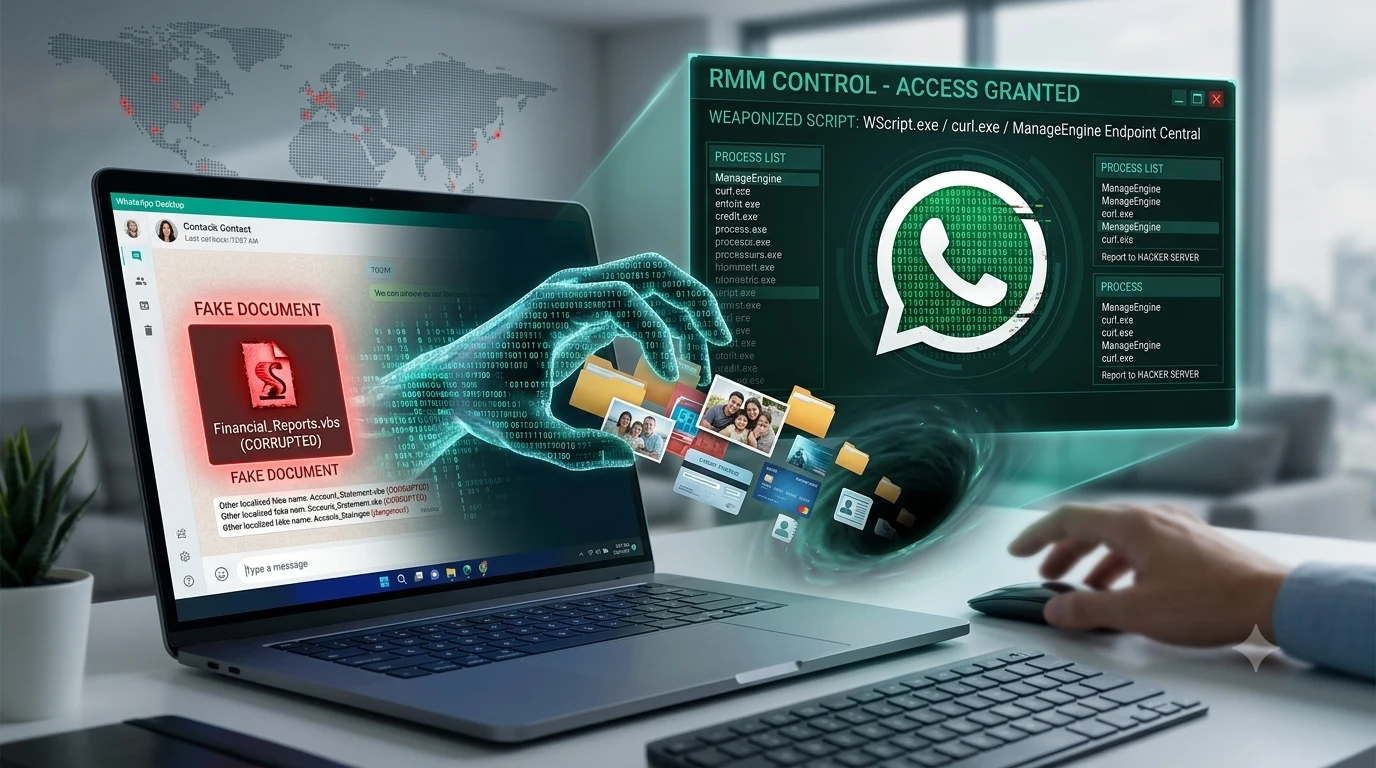
Have you ever received a random document from a friend or coworker on WhatsApp? Most of us download these files without a second thought. After all, if a message comes from someone you know, it must be safe. Hackers are now using this exact mindset against you.
A dangerous new threat known as the WhatsApp VBScript malware is actively spreading through the popular messaging app. Security experts at Kaspersky uncovered this massive campaign in late June 2026. The attackers are not using highly advanced, movie-style hacking techniques. Instead, they are simply tricking people into downloading fake business documents.
Once you open the file, the attackers gain silent, full control over your computer. They can monitor your screen, steal your personal files, and access your private data.
If you use WhatsApp on your computer, you need to understand how this trap works. This guide breaks down exactly what this malware is, how it sneaks past your antivirus, and the simple steps you can take to protect your data today.
What is the WhatsApp VBScript Malware?
This new attack is a clever mix of social engineering and system manipulation. Social engineering simply means tricking a human rather than hacking a machine. The hackers are targeting users of WhatsApp Web and the WhatsApp Desktop app.
Unlike phone viruses, this attack specifically goes after Windows computers. The goal is to drop a script onto your machine that builds a backdoor for the hackers to walk right through.
How Hackers Hijack Your Trust
The scariest part of this campaign is how it spreads. The malicious messages do not come from random, unknown numbers. They come directly from people already saved in your contact list.
The attackers first manage to take over a victim’s WhatsApp account. Security researchers are still figuring out exactly how the initial accounts are compromised. However, once the hackers are inside, they use the hijacked account to blast out files to everyone on the contact list.
Because the message comes from a trusted friend, family member, or boss, your guard is down. You see a familiar name, so you click download.
The Fake Document Trap
The files sent in these chats are completely fake. The attackers give them boring, professional-sounding names to make them look like urgent business matters.
You might see file names like:
- Financial Reports.vbs
- Account Statement.vbs
- Debt Confirmation.vbs
- Outstanding Payment List.vbs
The files are also localized. Researchers have found versions in French, German, Portuguese, and Malay. The attackers want the file to look as normal and boring as possible so you open it quickly to see what you owe or what the report says.
How the Attack Actually Works (Step-by-Step)
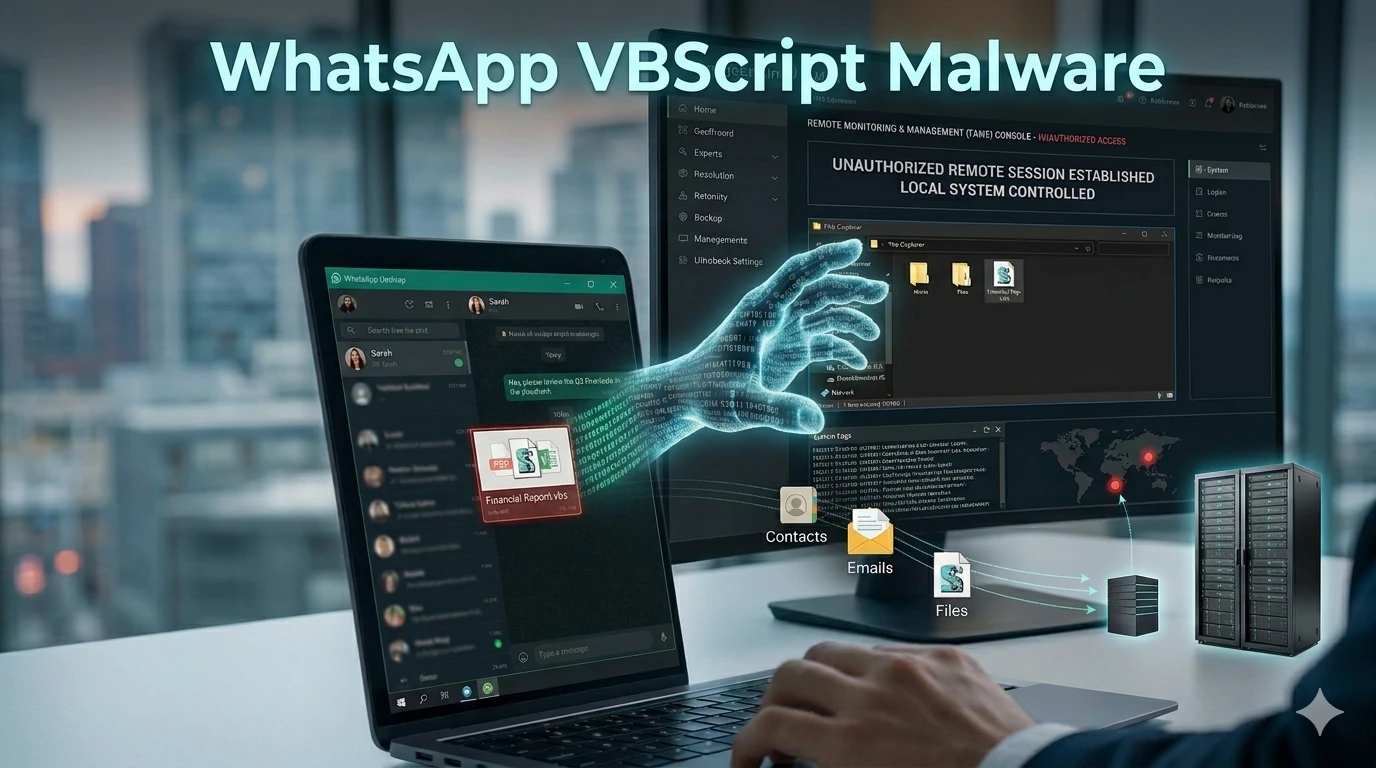
To protect your data, you need to understand what happens behind the scenes. The attack does not destroy your computer immediately. Instead, it works in a very quiet, multi-stage process.
Stage 1: The Innocent Looking Download
The trap springs the moment you download and click on the file. If you look closely at the file names mentioned above, they all end in .vbs. This stands for Visual Basic Script.
It is not a PDF, and it is not a Word document. It is a piece of code. When you double-click it on WhatsApp Desktop, your Windows computer uses a built-in tool called Windows Script Host to run the code. You might just see a quick flash on your screen, or you might see nothing at all. But in the background, the script is already creating hidden folders on your hard drive.
Stage 2: Breaking Through Windows Defenses
Once the first script is running, it reaches out to the internet to download more tools from the hacker’s private servers.
At this point, the malware needs to get past Windows User Account Control (UAC). UAC is that pop-up box that asks, “Do you want to allow this app to make changes to your device?” The hackers wrote a script that constantly changes your system registry. It attacks the UAC settings in a loop until it forces Windows to stop asking for permission.
Now, the malware has administrative rights. It can do whatever it wants on your machine without you ever clicking “Yes” or “Allow.”
Stage 3: The ManageEngine RMM Takeover
This is where the real damage happens. Most viruses try to install stolen, illegal hacking tools. This campaign does something much smarter. It installs a completely legitimate, legal piece of software called ManageEngine Endpoint Central.
ManageEngine is a Remote Monitoring and Management (RMM) tool. Large companies use it all the time. IT departments use RMM software to fix employee computers from far away, update software, and check system health.
The hackers silently install this legal tool on your computer. Because the software is legitimate, your antivirus program ignores it. But the hackers pre-configured the tool to connect back to their own servers. They now have complete, remote access to your PC. They can read your private data, steal passwords, and watch what you do, all while looking like a normal IT admin.
Who is Being Targeted by This Campaign?
While anyone can be a victim, the attackers have cast a very wide net across specific regions. As of late June 2026, Kaspersky reported that the highest concentration of victims is located in Malaysia. In fact, nearly 80 percent of the infected computers were found there.
However, the threat has spread globally. Security teams have tracked infections in:
- Brazil
- India
- Mexico
- Singapore
- The United Kingdom
- Spain
- Russia
- Vietnam
- Australia
The targeting seems to be opportunistic. This means the hackers are not just hunting for rich CEOs or government officials. They are infecting everyday consumers and small business workers. The danger is that many people use the same computer for personal WhatsApp chats and corporate work. If the malware gets onto a work computer, the hackers could potentially access an entire company network.
The Hidden Danger: Why Antivirus Misses It
You might be wondering why your expensive antivirus software does not stop this. The answer lies in how the attackers hide their tracks.
First, the malicious code inside the .vbs files is heavily scrambled. Hackers use a technique called obfuscation. They fill the script with junk code, random variables, and fake Windows Update comments written in Chinese. To an automated scanner, the file looks like a messy but harmless system update.
Second, the hackers use tools that already live on your computer. They use legitimate Windows programs like WScript.exe and curl.exe to move their files around.
Finally, as mentioned earlier, the final payload is a legal IT management tool. Security software is programmed to trust ManageEngine. By weaponizing ordinary trust and legal software, the attackers slip right past traditional defenses.
How to Protect Your PC and Data Right Now
The good news is that this attack requires you to make a mistake. If you know what to look for, you can easily stop the malware from ever touching your hard drive.
Here are the best ways to protect your personal data today:
- Check the File Extension: This is your strongest defense. Never look just at the name of the file; look at the letters at the very end. If a document ends in .vbs, .vbe, .exe, .bat, .cmd, or .js, do not click it. Real documents end in .pdf, .docx, or .xlsx.
- Verify Unexpected Messages: If your friend suddenly sends you an “Account Statement” out of nowhere, stop. Pick up your phone and call them. Ask if they actually sent the file. Most of the time, they will have no idea what you are talking about.
- Turn on File Extensions in Windows: By default, Windows sometimes hides file extensions to make things look cleaner. Go into your Windows File Explorer settings and check the box that says “File name extensions.” This ensures a hacker cannot hide a .vbs file by naming it Report.pdf.vbs.
- Do Not Ignore UAC Prompts: If your screen suddenly goes dim and Windows asks for permission to make system changes when you did not initiate an update, click “No.”
- Audit Your Installed Programs: If you are worried you might be infected, open your Windows Control Panel and check your installed programs. If you see ManageEngine Endpoint Central or another RMM tool that you did not install, contact an IT professional immediately to have it removed safely.
The digital world is constantly changing, and hackers are always looking for the easiest way in. By staying alert and questioning unexpected files on WhatsApp, you can keep your computer and your private data completely safe.
Frequently Asked Questions (FAQs)
Can I get this virus by just reading a WhatsApp message?
No. Simply reading a text message will not infect your computer. You must physically download the attached file and open it for the malware to execute.
Does this malware affect iPhones and Android phones?
Currently, this specific campaign targets Windows computers. The scripts are designed to run on Windows operating systems through WhatsApp Desktop or WhatsApp Web. However, you should still avoid downloading unknown files on your phone.
What should I do if I clicked the fake document?
If you accidentally opened the file, disconnect your computer from the internet immediately. This stops the hackers from downloading the final remote access tool. Then, run a full system scan with a reputable antivirus program or seek help from a tech expert.
Why do hackers use legitimate software like ManageEngine?
Hackers use legitimate software because it helps them stay invisible. Antivirus programs are trained to block known viruses. They are not trained to block legal IT tools. This allows the hackers to control your PC without setting off any alarms.
How do hackers get into my contacts’ WhatsApp accounts?
Hackers use various methods, such as phishing scams, stealing SMS verification codes, or buying compromised session tokens on the dark web. Always secure your WhatsApp account by enabling Two-Step Verification in your app settings.

